
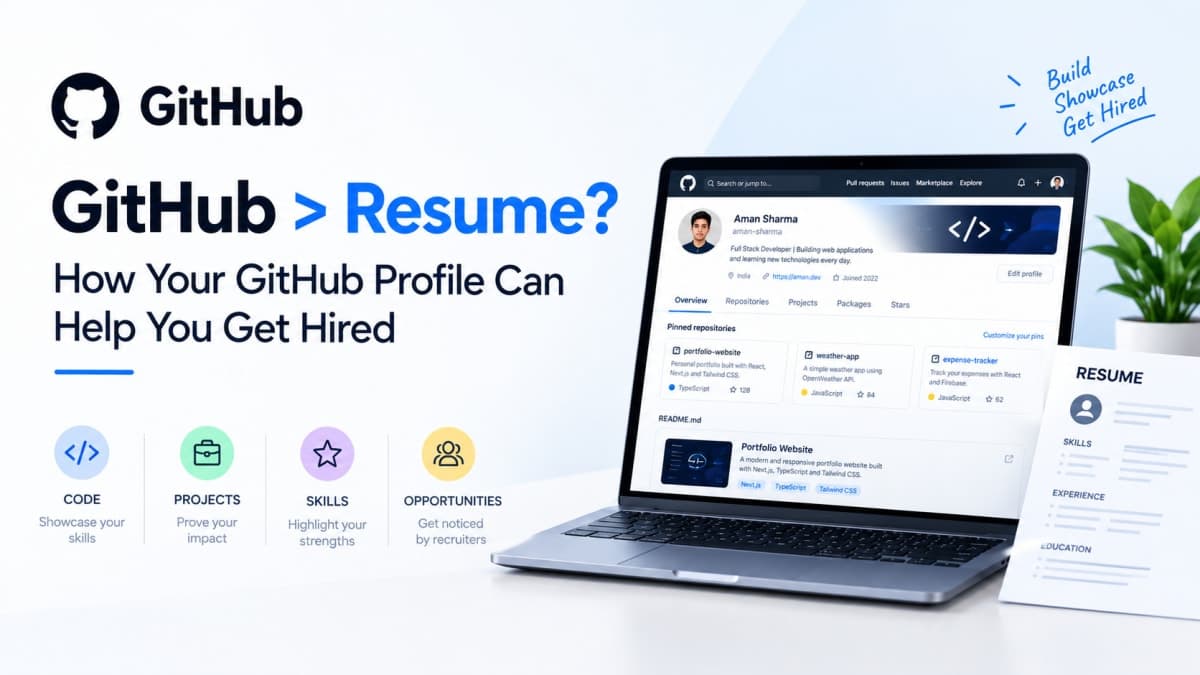
You've sent 80 applications and heard back from four. Your resume says "proficient in Python, React, and SQL," and so does every other fresher's. Recruiters can't tell who's telling the truth.
Here's the fix: a resume claims skills, and a GitHub profile proves them. A well-built GitHub profile to get hired turns "I know React" into "here's the app, here's the code, here's how I think."
This guide walks you through building one, from your first pinned repo to linking it on your resume, so it actually gets you interviews.
Is GitHub Better Than a Resume? The Honest Answer
No. GitHub doesn't replace your resume. It makes your resume believable.
Your resume gets you past the filter, and your GitHub gets you through the conversation. Recruiters and ATS software still start with a resume. But once a hiring manager is curious about you, the next click is your GitHub link.
Here's why that click matters:
It's proof, not a claim. Anyone can write "built a REST API." Only you can show the repo.
It shows how you think. Code structure, commit messages, and README quality say more than a bullet point.
It levels the field. A tier-3 college doesn't show up on your GitHub. Your code does.
It gives interviewers something to talk about. "Walk me through this project" is a much better interview than "define polymorphism."
Reality check: Not every company looks at GitHub. Mass recruiters like TCS, Infosys, and Wipro mostly hire through tests and interviews. But product companies, startups, and anyone hiring for a developer role (think Razorpay, Freshworks, or a funded startup on Wellfound) will often check it, especially for off-campus roles. Off-campus is where most freshers without a placement offer end up competing anyway.
Pro Tip: Treat your GitHub like a landing page for you. Assume a recruiter gives it 30 seconds, and design for that.
What Recruiters Actually Look For on a GitHub Profile
Recruiters don't read your code line by line. They scan for signals. Knowing the signals tells you what to fix first.
What they check | What it tells them |
|---|---|
Pinned repositories | What you consider your best work |
README quality | Whether you can communicate and document |
Commit history | Whether you build consistently or only before deadlines |
Project variety | Whether you can go beyond tutorials |
Live demo links | Whether your project actually works |
Open source activity | Whether you can work with other people's code |
Key Tip: Use this table as an audit. If your profile fails three or more rows, fix those before you build anything new.
Step 1: Set Up a GitHub Profile That Passes the 30-Second Scan
Your profile page is your first impression, and most freshers waste it. An empty bio, a default avatar, and 30 unpinned repos named test1, untitled, and new-folder all count against you.
What to Include
A real photo or clean avatar. Faceless profiles feel abandoned.
A one-line bio. Example: "CSE final year | Full-stack (React + Node) | Building in public."
Your location and a contact link. Add a LinkedIn or portfolio link.
A profile README. This is a special repo named exactly like your username. Its contents show at the top of your profile. GitHub explains the setup in its profile README guide.
What Your Profile README Should Say
Keep it short. Three or four lines beat a wall of badges:
Who you are and what you're building
Your main tech stack
What you're learning right now
How to reach you
Mistakes to Avoid
Dumping 15 animated widgets and skill badges with no actual projects
Leaving forked tutorial repos as your main showcase
Using an unprofessional username (
xX_coder_boy_Xxwon't help you)
Pro Tip: Skill badges don't impress anyone. A repo with a working demo does.
Step 2: Pin 4–6 Projects That Prove Real Skills
Your pinned repos are your portfolio. Recruiters won't dig through your full list, so choose six or fewer and make each one earn its spot.
The fastest way to lose credibility is a profile full of copy-pasted tutorial projects: the to-do app, the weather app, the Netflix clone everyone built from the same YouTube video. They show you can follow instructions, not solve problems.
Pick projects that show a range:
Project type | What it proves | Example |
|---|---|---|
Full-stack app with auth and database | You can ship an end-to-end product | Expense tracker with login, categories, and charts |
API or backend service | You understand how systems work | REST API with rate limiting and JWT auth |
Problem-solving project | You can spot a real need | Tool that scrapes and organizes placement notices for your college |
Data or ML project with real data | You can analyze, not just import libraries | Analysis of public datasets from data.gov.in |
Contribution or collaboration repo | You work well with others | A team project or open source pull request |
Key Tip: One original, working project beats five tutorial clones. If it solves a problem you actually had, you'll also explain it far better in interviews.
Need project ideas or feedback from people already working in tech? Browse student builds on Velonx Projects.
Step 3: Write READMEs Like a Product Page
A repo without a README is a locked door. Recruiters won't open it, and neither will anyone else.
Your README is the most important file in every pinned project. It's where you show communication skills, which matter as much as coding skills in most interview rooms.
The README Structure That Works
Project name and a one-line description. Say what it does and for whom.
A screenshot or GIF. Visuals get read, walls of text don't.
Live demo link. Host it free on Vercel, Netlify, or Render.
Tech stack. A short list is enough.
Key features. Three to five bullets.
How to run it locally. Clear, tested steps.
What you learned or what's next. This shows self-awareness.
Pro Tip: Add a "Challenges I Solved" section with two or three bullets. It hands the interviewer their first question and lets you control the conversation.
Step 4: Build a Commit History That Looks Like Real Work
Consistency beats intensity. A green contribution graph doesn't get you hired, but a graph that's completely empty for eight months and then explodes in one week raises questions.
What Good Commit Habits Look Like
Small, frequent commits instead of one giant "final version" upload
Meaningful messages:
fix: handle empty cart on checkoutbeatsupdateorasdfBranches and pull requests, even on solo projects, to show you understand real workflows
Steady activity across months, not a last-minute rush before placement season
Don't fake it. Auto-commit scripts and empty commits are easy to spot, and an interviewer who catches you gaming the graph will doubt everything else on your profile. Even 3–4 honest commits a week is enough.
Pro Tip: Start every new project with a proper .gitignore, a README, and a first commit that explains the goal. It signals you've worked in a team environment, even if you haven't.
Step 5: Contribute to Open Source (Even a Tiny Fix Counts)
Open source is the closest thing a fresher can get to work experience. You read someone else's code, follow their rules, and get reviewed by strangers. That's exactly what a job involves.
You don't need to build a new feature for a big project. Start small:
Fix documentation. Typos, unclear instructions, and missing examples are welcome fixes.
Pick "good first issue" labels. Browse the good first issue topic on GitHub to find beginner-friendly tasks.
Improve tests or add small bug fixes in tools you already use.
Join hackathons and events, which often produce public repos. Check Velonx Events for upcoming ones.
Even one merged pull request gives you something a recruiter can verify, and something most freshers don't have.
Step 6: Connect Your GitHub to Your Resume and LinkedIn
A great GitHub profile that nobody clicks is wasted effort. Make it impossible to miss.
Where to Put the Link
Resume header, next to your email and LinkedIn
Under each project on your resume: "Live demo | Source code"
LinkedIn "Featured" section and contact info
Job applications, wherever there's a "portfolio" or "website" field
Cold emails and referral requests, with one line about your best repo
How to Write Project Lines on Your Resume
Not: "Built a website using React and Node."
Do this instead: "Built an expense tracker with React, Node, and MongoDB; 200+ lines of unit tests; deployed on Render (live link + GitHub repo)."
Specific beats vague, and the link lets the reader verify it in one click.
Struggling to find jobs where this matters? Start with the Velonx Career Board and filter for developer and internship roles at startups. Want a sharper review of your profile? A mentor from Velonx Mentors can look at it with you.
Common GitHub Profile Mistakes That Kill Your Chances
Mistake | Why it hurts | Fix |
|---|---|---|
No README on pinned repos | Looks unfinished | Add the 7-part structure above |
Only tutorial clones | Shows no original thinking | Build one project that solves a real problem |
Hardcoded API keys in code | Shows security carelessness | Use |
40 unorganized repos | Buries your best work | Archive or delete the junk, pin the best |
Broken live demo links | Suggests the project doesn't work | Test links before every application |
Faking commit activity | Destroys trust if noticed | Commit honestly and consistently |
Pro Tip: Do a "fresh eyes" test. Open your profile in an incognito window and ask whether a stranger would understand who you are within 30 seconds.
Your 30-Day Plan to Build a GitHub Profile That Gets Interviews
You don't need six months. You need a focused month.
Week | Focus | Output |
|---|---|---|
Week 1 | Clean-up | Fix bio, add profile README, delete or archive junk repos |
Week 2 | Polish | Rewrite READMEs for your top 2–3 projects, add screenshots and live links |
Week 3 | Build | Start one original project that solves a real problem, and commit often |
Week 4 | Connect | Make one open source contribution, then update your resume and LinkedIn with links |
Frequently Asked Questions About Using a GitHub Profile to Get Hired
Can I get a job with GitHub alone and no resume?
Almost never. You still need a resume to get past ATS filters and recruiter screens. Think of GitHub as the proof behind your resume, not a replacement for it.
Do recruiters in India actually check GitHub?
Product companies, startups, and developer-focused teams often do, especially for off-campus and referral hiring. Mass recruiters with test-driven hiring usually don't. Build the profile anyway, because it also prepares you for technical interviews.
How many projects should I have on GitHub as a fresher?
Two or three solid projects beat ten weak ones. Pin four to six at most, and make sure each has a README, a working demo, and clear code. Quality is what gets noticed.
Is a green contribution graph important?
It helps a little, but it's not the deciding factor. Recruiters care more about what you built than how many squares are green. Steady, honest activity is enough.
Can non-CS students or career switchers use GitHub too?
Yes. If you're moving into tech from another branch, GitHub is one of your best tools, because it shows skills that your degree doesn't. Focus on two or three practical projects in the role you're targeting.
Should I make my old college projects public?
Only if they're presentable. Clean them up, add a README, and remove anything sensitive or embarrassing first. If a project looks abandoned or broken, keep it private.
Conclusion: Stop Telling Recruiters You Can Code. Show Them.
Here's the bottom line: your resume tells people what you claim, and your GitHub shows what you can do. The strongest candidates have both.
Start with what you can control today:
Add a photo, a one-line bio, and a profile README to your account
Pin your best 4–6 repos and delete or archive the rest
Rewrite the README of your best project with a screenshot and a live demo link
Add your GitHub link to your resume, LinkedIn, and every job application
Find one "good first issue" and open your first pull request this week
Your profile won't be perfect on day one, and it doesn't need to be. Every repo you improve, every commit you push, and every pull request you open adds evidence. And every interview you don't get is data about what to sharpen next.