
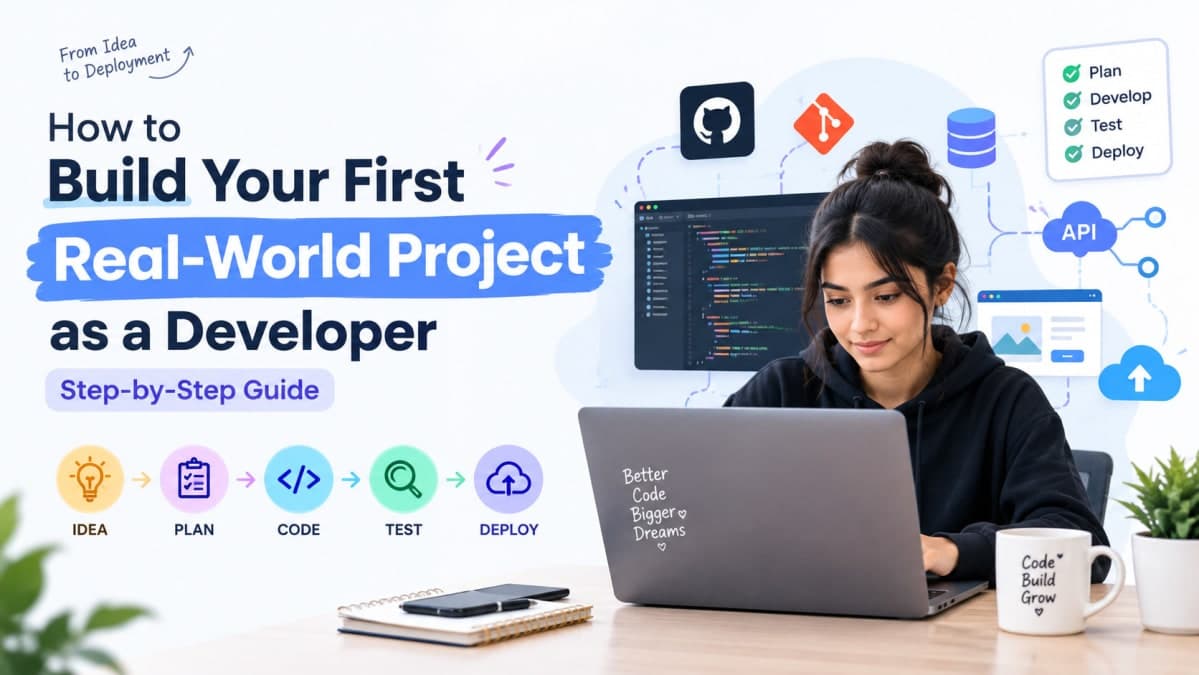
Did you ace every DSA round only to freeze when a recruiter asked, "Walk me through a project you've built"? Or maybe your GitHub is full of tutorial clones that look exactly like everyone else's. Here's the truth: nobody gets hired for finishing a course — they get hired for building something that works. This guide covers exactly how to build your first real-world project as a developer, from picking the right problem to shipping something a recruiter actually remembers.
What Makes a Project "Real-World" — and Why It Matters
A real-world project solves an actual problem for actual users. It's not a to-do app copied line-by-line from a YouTube tutorial — it's something you decided to build, scoped yourself, and shipped somewhere people can use it.
Here's why this distinction matters so much for your career:
It's the #1 differentiator on your resume. Every fresher lists the same skills — Python, React, Java, DSA. A project is the one section that's actually yours.
It proves you can handle ambiguity. Tutorials hand you a spec. Real projects don't — you decide what to build and how, which is exactly what the job will ask of you.
It gives you something to talk about in interviews. "I built X" is a far stronger answer than "I learned X."
It compounds. Your first project teaches you deployment, your second teaches you APIs, your third teaches you scale. Skip this step and you're starting from zero at every interview.
Recruiters at Indian product companies and startups increasingly say the same thing: a working project with a live link beats a perfect CGPA with an empty GitHub.
Step 1: Pick a Problem, Not a Tech Stack
Most students start backwards — they decide "I want to build something in React" and then scramble for an idea. Flip it. Start with a problem, and let the problem tell you what stack to use.
The best first projects come from friction you've personally felt: a messy process at your college, a manual task you do every week, or a tool that exists but is annoying to use. You don't need a unique idea — you need a real one.
Where to Find Problems Worth Solving
Your own daily frustrations — attendance tracking, mess menu updates, splitting hostel expenses
Campus and local business needs — a booking system for your college's sports court, inventory tracking for a local shop
Open-source "good first issue" tags on GitHub — contributing counts as a real-world project too
Communities like Reddit, Twitter/X, and Discord servers where people openly ask "does a tool for X exist?"
Mistakes to Avoid
Copying a tutorial project 1:1 and swapping the color scheme
Building yet another to-do list, weather app, or basic calculator with zero differentiation
Designing the "perfect" architecture before you've validated anyone wants the thing
Pro Tip: If you can't explain the problem in one sentence to a non-technical friend, you haven't found the problem yet — you've found a feature.
Step 2: Scope It Down to Something You Can Actually Ship
This is where most first projects die. Students plan a "full social media platform" and abandon it in week two. Scope for your first project like your goal is to finish, not to impress.
The MVP Mindset
Your first version should do exactly one thing well. Not five things badly.
A shippable first project checks these boxes:
[ ] Solves one core problem, end to end
[ ] Has a single primary user flow (not five parallel features)
[ ] Can realistically be built in 2–4 weeks alongside classes
[ ] Has a clear "done" state you can demo in under 2 minutes
Key Tip: Write your feature list, then cut it in half. Then cut it in half again. What's left is your actual MVP.
Step 3: Choose Your Tech Stack Strategically
Once the problem is locked, pick tools that match your goal — learning something new, or shipping fast with what you already know. Both are valid, but know which one you're optimizing for.
Goal | Best Stack Choice |
|---|---|
Ship fast, you already know basics | HTML/CSS/JS + Firebase, or React + Supabase |
Learn full-stack for placements | React (frontend) + Node.js/Express (backend) + MongoDB or PostgreSQL |
Show DSA + backend depth | Java/Spring Boot or Python/Django with a proper relational database |
Data/ML-flavored project | Python + Pandas/Scikit-learn + a simple Streamlit or Flask frontend |
Key Tip: Pick the stack that's one notch above your comfort zone — familiar enough to move fast, new enough to show growth.
Step 4: Build in Public and Document Along the Way
Don't disappear for three weeks and resurface with a finished repo. Building in public forces consistency and gives you content for your LinkedIn profile before the project is even done.
Commit early, commit often — a commit history with one giant "final commit" looks unfinished, even if the code isn't
Write your README as you go, not after — it forces you to explain your own decisions clearly
Post short progress updates on LinkedIn or Twitter/X — screenshots, a one-line problem statement, what you're building next
Ask for feedback in relevant communities before you consider it "done"
Pro Tip: A 3-post "building this project" series on LinkedIn often gets more recruiter attention than the final project announcement alone — it shows process, not just output.
Step 5: Deploy It So Recruiters Can Actually Use It
A project sitting only in localhost might as well not exist to a recruiter skimming your resume in six seconds. Deploy it — for free — so it's one click away.
Frontend/static sites: Vercel, Netlify, GitHub Pages
Full-stack apps: Render, Railway, Fly.io
Databases: Supabase, MongoDB Atlas (both have generous free tiers)
Mobile apps: Expo (for React Native) with a shareable APK or web preview
Key Tip: Put the live link at the very top of your README, above the tech stack. Recruiters click links before they read code.
Step 6: Package It for Recruiters (README, Demo, Case Study)
An unpolished project undersells real work. This final step takes an hour and changes how the whole project is perceived.
Element | What to Include | Why It Matters |
|---|---|---|
README | Live link, problem statement, tech stack, screenshots | First thing anyone opens |
Demo video (60–90 sec) | Screen recording walking through the core flow | Recruiters often won't run your code locally |
Case study (optional blog/LinkedIn post) | The problem, your decisions, one challenge you solved | Shows thinking, not just output |
Resume line | One line: problem solved + stack + measurable impact if any | Gets you the interview question you want |
Pro Tip: End your README with a short "What I'd improve next" section. It signals self-awareness — a trait recruiters explicitly look for in freshers.
If you want structured guidance on turning a project into placement-ready material, browse real student builds on Velonx's project showcase, or get feedback from working developers through Velonx mentorship.
Frequently Asked Questions About Building Your First Developer Project
Do I need a unique idea for my first project?
No. A common problem solved well beats a "unique" idea that's half-finished. Recruiters care more about execution, deployment, and your ability to explain decisions than originality.
How long should my first real-world project take?
Budget 2–4 weeks for a focused MVP alongside classes. If it's stretching past 6–8 weeks, your scope is too large — cut features, not deadlines.
Should I work solo or in a team for my first project?
Solo is better for your first one — it forces you to understand every layer of the stack and gives you full ownership to discuss in interviews. Save team projects for your second or third build.
What if my project idea already exists as an app?
That's fine, and often preferred. Build your own version, note what you did differently, and explain your reasoning in the README. "I rebuilt X because Y" is a strong interview answer.
Can one strong project really matter more than my CGPA?
For most product companies and startups, yes — a genuinely well-built, deployed project with a clear README often carries more weight in shortlisting than a marginal CGPA difference, especially for off-campus applications.
Where should I show my project once it's built?
Pin it on GitHub, add the live link and a short case study to LinkedIn, and mention it in your resume's project section with the problem and impact stated in one line.
Conclusion: Ship Something, Don't Just Study Something
Here's the bottom line: a small, finished, deployed project will always beat a large, half-built, unfinished one on your resume.
Start with what you can control today:
Write down one real problem you've personally faced this week
Cut your feature list in half before you write a single line of code
Pick a stack that's one notch above your current comfort zone
Commit to GitHub daily, even for small progress
Deploy it the moment it does one thing correctly — don't wait for "done"
Post your progress publicly instead of building in silence
Every unfinished project taught you something. Every deployed one gets you an interview. Stop studying how to build — go build.