
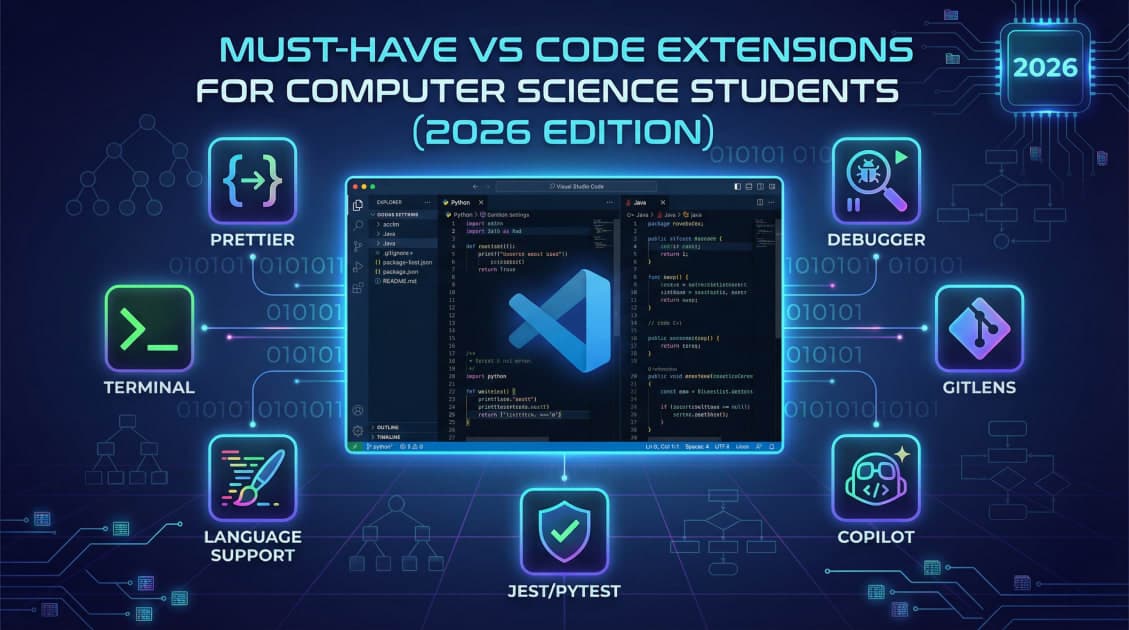
In 2026, Visual Studio Code is no longer just a lightweight code editor — it has evolved into a complete AI-powered development environment.
For Computer Science students, the right setup is no longer only about themes and fonts. A well-configured workspace can reduce distractions, speed up debugging, improve productivity, and help you focus on what actually matters: problem-solving and building projects.
Whether you're developing web apps, preparing for hackathons, or learning backend development, this is the essential VS Code Starter Pack for 2026.
1. AI Coding Assistant: GitHub Copilot or Codeium
AI-assisted development has become a core part of modern programming workflows. In 2026, coding assistants can generate entire functions, refactor files, explain errors, and even help architect projects.
GitHub Copilot
Still considered the industry standard, GitHub Copilot now includes advanced AI workflows like Agent Mode, allowing it to handle multi-step development tasks across an entire project.
You can:
Generate components instantly
Debug complex logic
Explain unfamiliar code
Automate repetitive coding tasks
For students, it acts like an AI pair programmer available 24/7.
Codeium
If you want a free alternative, Codeium has become one of the most popular choices among students.
It offers:
AI autocomplete
Code generation
Built-in AI chat
Multi-language support
For budget-conscious learners, it delivers an experience surprisingly close to Copilot — without the subscription cost.
2. The Bug Prevention Combo: Error Lens + Prettier
Good developers spend less time fixing avoidable mistakes. These two extensions help you catch issues early and maintain clean, readable code automatically.
Error Lens
Instead of hiding errors in the terminal or small warning icons, Error Lens displays problems directly inline next to your code.
This means:
Faster debugging
Better visibility
Less context switching
It feels like having a mentor pointing out mistakes in real time.
Prettier
Prettier remains the gold standard for automatic code formatting.
Enable:
"editor.formatOnSave": trueand your code will automatically format itself every time you save a file.
This keeps your projects:
Consistent
Professional
Easier to read
Team-friendly
It’s one of the simplest productivity upgrades every student should use.
3. API Testing Inside VS Code: Thunder Client
Backend development often requires constant API testing. Traditionally, developers switched between VS Code and external apps like Postman.
Thunder Client
Thunder Client brings API testing directly into VS Code.
You can:
Test REST APIs
Send HTTP requests
Inspect responses
Organize collections
Debug backend routes
In 2026, newer AI-powered features can even generate test scripts automatically, helping students validate endpoints faster than ever.
For Node.js, Express, Django, or FastAPI developers, it’s an essential tool.
4. Git Superpowers: GitLens
Understanding code history is critical when working on team projects, open-source contributions, or hackathons.
GitLens
GitLens transforms Git integration inside VS Code into a much more powerful experience.
Key features include:
Inline commit history
“Blame” annotations
Repository insights
Branch tracking
File history visualization
If a bug suddenly appears in a group project, GitLens helps you quickly identify:
Who changed the code
When it was changed
What exactly was modified
It’s an incredibly useful learning tool for students collaborating on real-world projects.
5. The Productivity Aesthetic: Peacock
When juggling multiple projects at once, it’s surprisingly easy to edit the wrong file or terminal window.
Peacock
Peacock lets you assign unique colors to different VS Code workspaces.
For example:
Blue border → Frontend project
Green border → Backend project
Purple border → AI project
This small visual cue can save students from accidentally editing the wrong environment — especially during fast-paced development sessions.
One Setting Every Student Should Enable
Add this line to your settings.json file:
"editor.formatOnSave": trueIt may look simple, but this single setting can save countless hours by automatically formatting your code every time you press save.
Final Thoughts
Modern development is no longer just about writing code manually. The best programmers in 2026 use tools that help them:
Think faster
Debug smarter
Build quicker
Stay organized
A powerful VS Code setup doesn’t replace programming knowledge — it amplifies it.
For Computer Science students, mastering these tools early can dramatically improve productivity, learning speed, and overall development experience.
The goal isn’t just to code more.
It’s to build better, with less friction.